 TenMore
+
Give more time
Make selected apps and categories available on the child devices you choose. TenMore shows the end time and whether each device has confirmed the change. Extra time ends on its own, even after a restart.
Made for families with kids ages 6–12
TenMore lets a parent decide when selected apps and categories are available on a child’s iPhone or iPad. Give ten more minutes, set an end time, or wind down now — without turning family life into surveillance.
For families using Apple Family Sharing on iOS or iPadOS 18 and later. Install TenMore on both the parent’s and the child’s device, each signed in to its own iCloud account. Set up the child’s device once, with it in hand.
Made for the moment
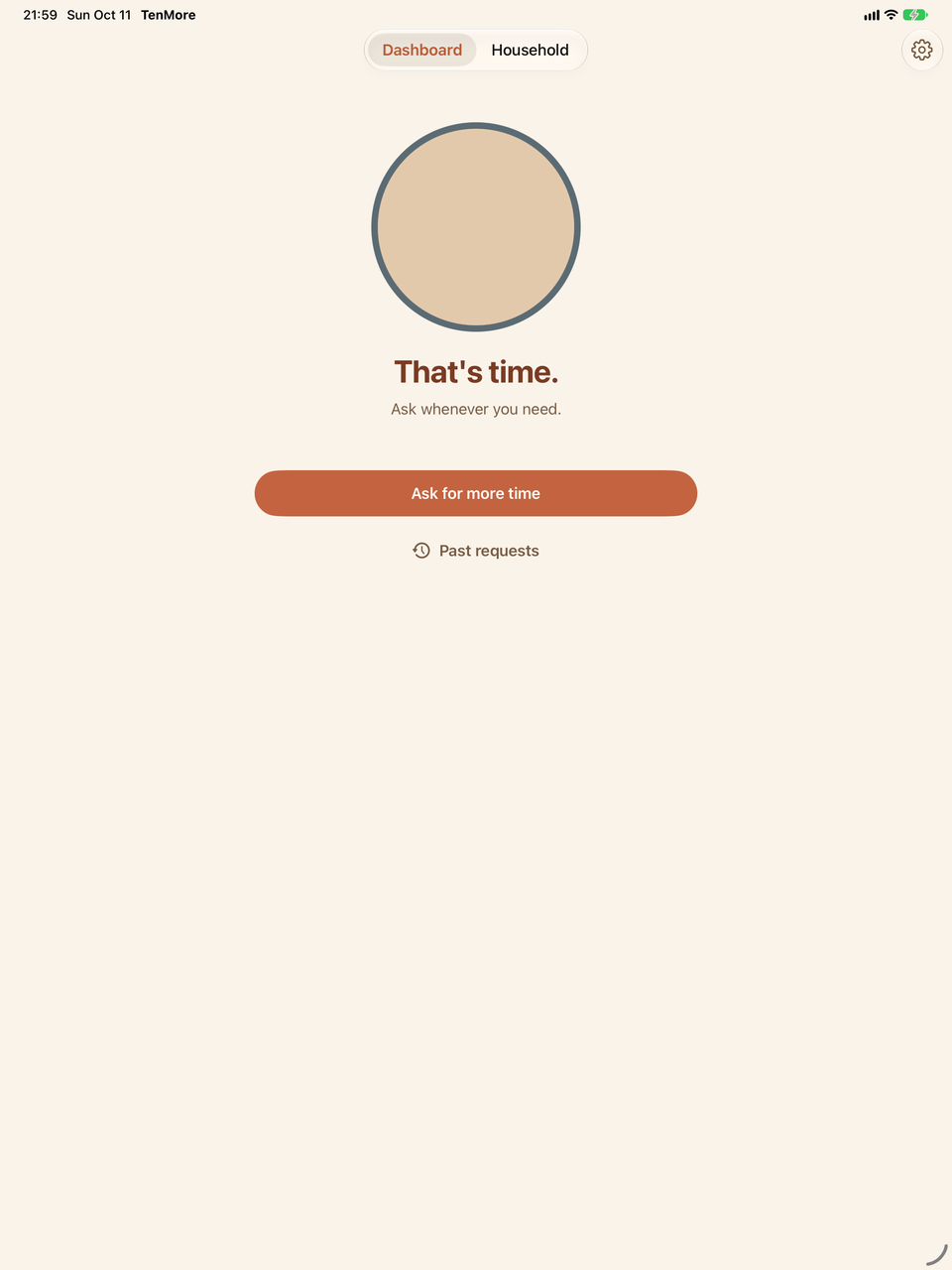
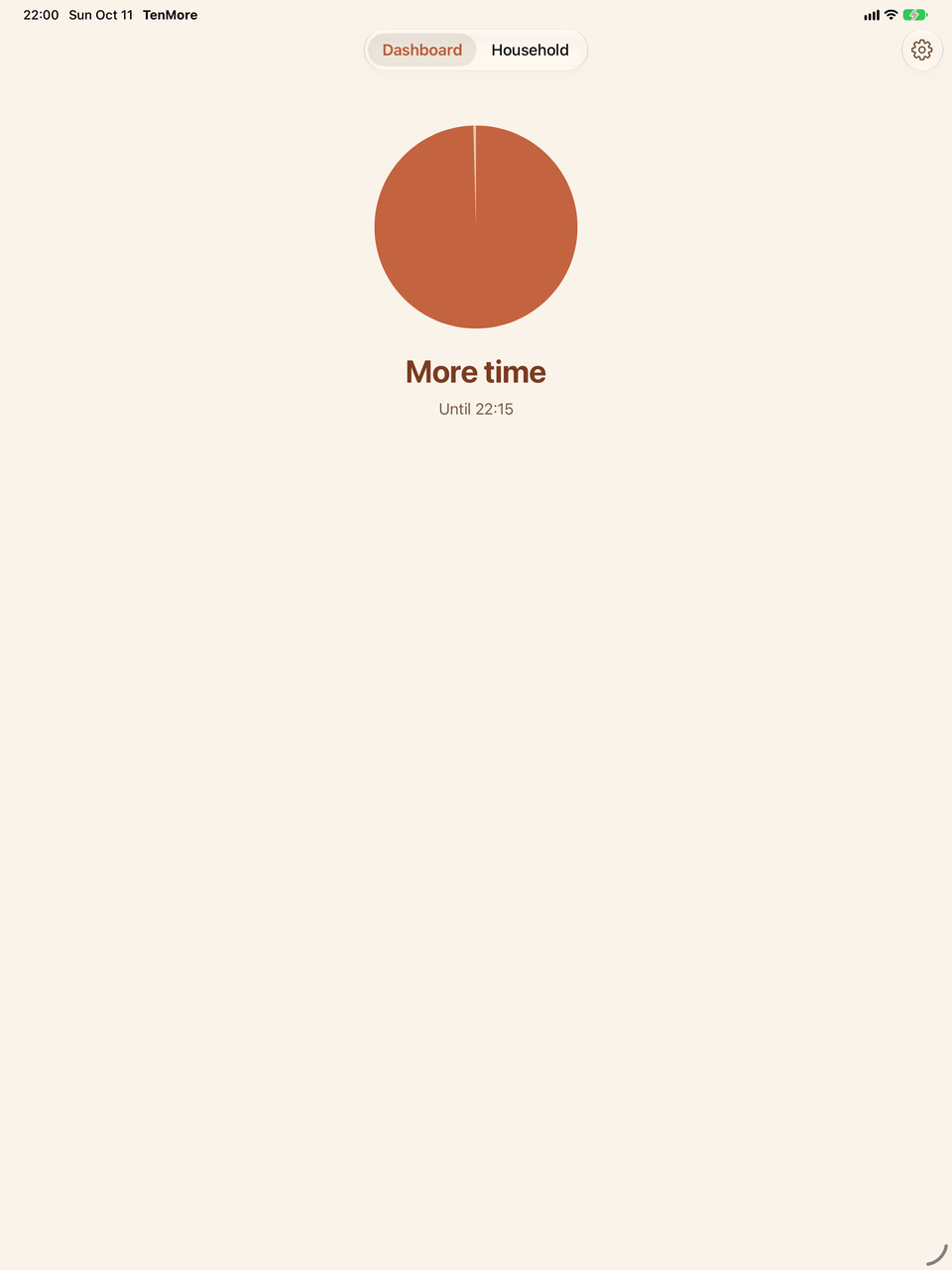
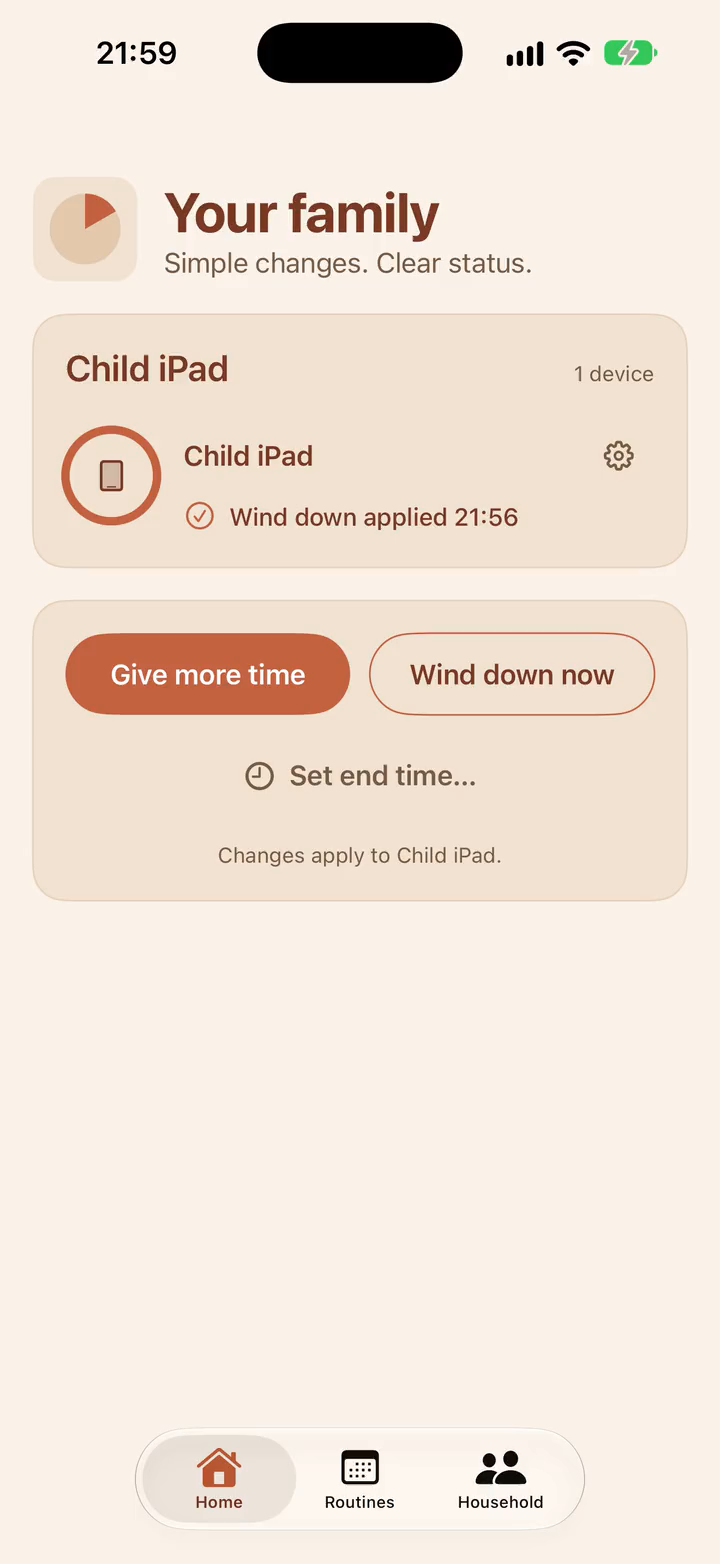
Parents get straightforward controls. Children can see what is happening and ask for more time. TenMore shows whether a change is sending, waiting, or applied rather than claiming it has already reached a child device.
Make selected apps and categories available on the child devices you choose. TenMore shows the end time and whether each device has confirmed the change. Extra time ends on its own, even after a restart.
Choose when availability ends instead of doing timer math in your head.
Make managed apps unavailable, or end extra time early. Changes take effect when the child device receives them.
Set the hours once, like Homework or Bedtime. Once applied, routines run on the child’s device even when nobody opens the app.
A fair request
A child can request more time and add an optional reason. The parent can give the requested time, choose a smaller amount, or say “Not now.” No pleading loop. No hidden monitoring.
TenMore does not change Apple’s own Screen Time settings.
Use TenMore for shared app and category schedules, and Apple’s Time Allowances (App Limits in older menus) only when something needs a separate daily budget. Both sets of rules still apply. Extra time in TenMore does not override Apple’s limits. Leave Apple’s budgets off where you do not need that extra boundary.
Apple apps and features such as Safari, Mail, FaceTime, and Camera stay managed in Apple’s Screen Time settings. Read the setup guide and app-capacity guidance.
Private by design
Family settings sync through your iCloud account and Apple CloudKit. TenMore is not MDM and does not run a server that stores your family’s rules, selections, routines, or requests.
Download and set up TenMore for free. The annual plan includes a 14-day free trial, then costs US$39.99 per year. Or choose US$5.99 per month. Every child device in your household is included, and children never pay.
Prices shown in USD. The App Store shows local pricing outside the United States.
Download on the App Store